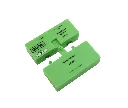
iZone CVRFH VRF Air-Conditioner Host Module
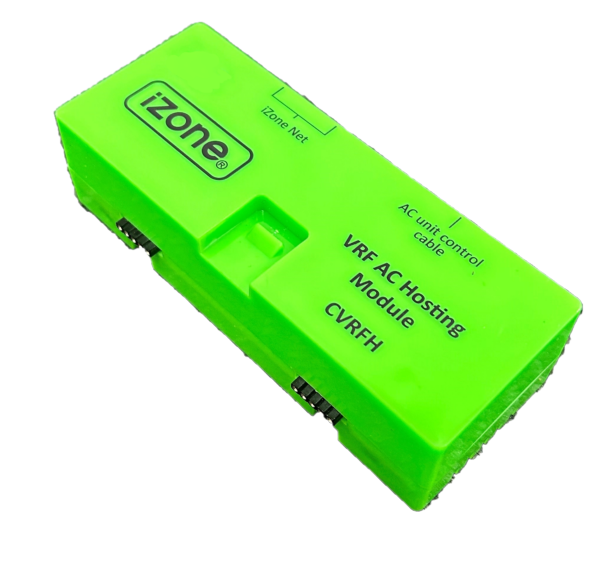
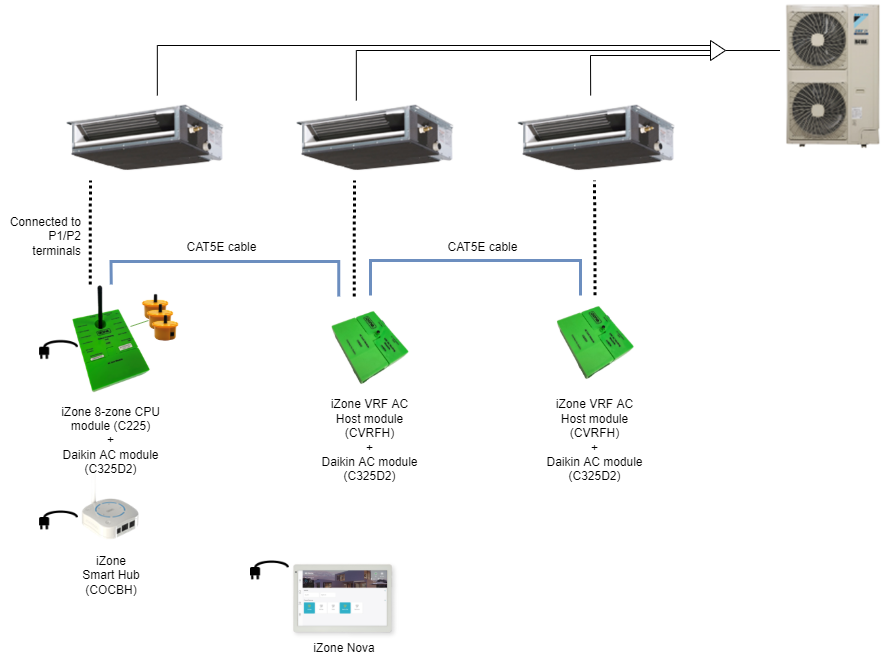
The iZone CVRFH is a VRF host module designed to connect multiple compatible VRF indoor units to a single iZone C225 CPU and Smart Hub. It provides a cost-effective way to control multiple fan-coil units without installing a separate CPU and Smart Hub for every indoor unit.
Key Features
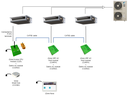
Connects multiple VRF indoor units to one iZone control system
Supports up to 15 CVRFH modules per C225 CPU
Allows up to 16 indoor units on one system when including the primary C225-controlled unit
Connects modules through the iZone NET using shielded CAT5 cable
Each indoor unit can be individually named and configured
Supports return-air or compatible iZone RF temperature-sensor control on secondary units
Provides system status and control through the central iZone interface
Reduces equipment and installation costs on multi-unit VRF projects
Compatible VRF Systems
| Brand | Required AC interface |
|---|
| Daikin VRV | C325D2 |
| Mitsubishi Electric VRF | C325M2 |
| Mitsubishi Heavy Industries VRF | C325MHI3 |
Compatibility depends on the exact VRF indoor-unit series and the firmware installed across the iZone system.
Typical System Configuration
One indoor unit fitted with an iZone C225 CPU
One compatible C325 AC interface for each indoor unit
One CVRFH for every additional indoor unit
Shielded CAT5 cable connecting the C225 and CVRFH modules
One shared Smart Hub for app connectivity, where required
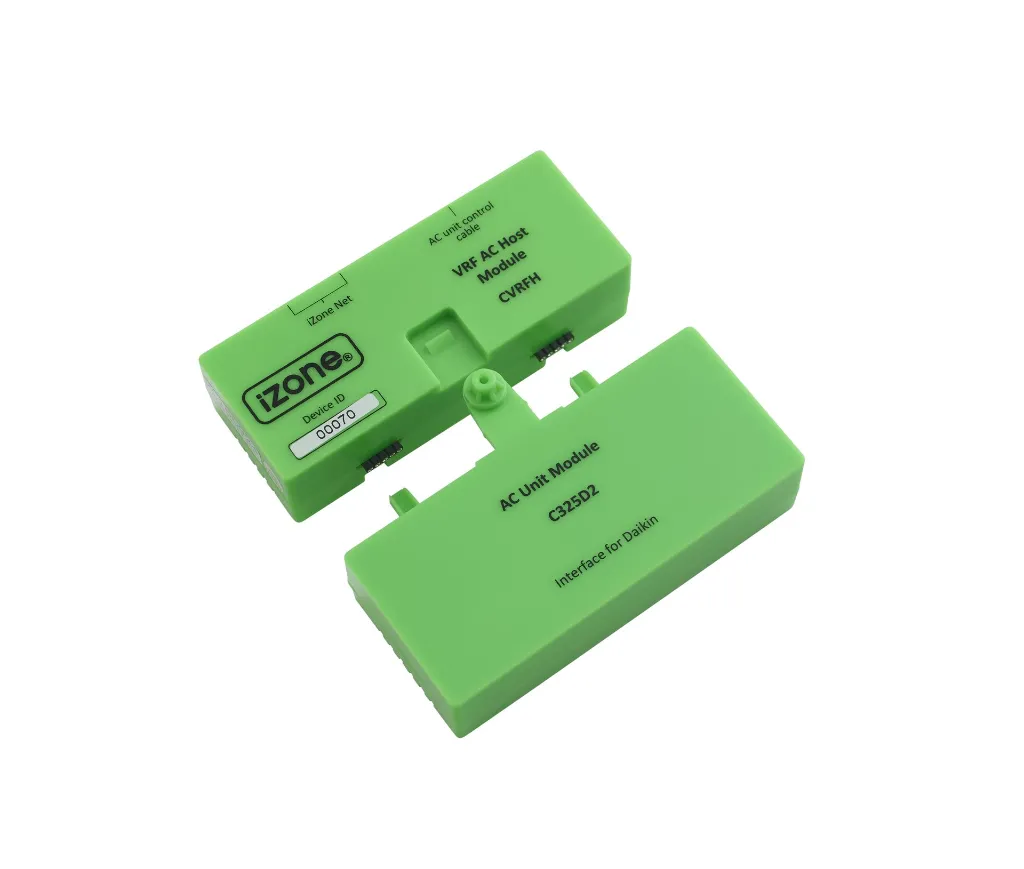
The CVRFH does not replace the brand-specific C325 interface. Each secondary fan-coil unit requires both a CVRFH and the appropriate C325 module.
Specifications
| Specification | Details |
|---|
| Power supply | Supplied through CAT5 connection |
| Communication | CAN Bus / iZone NET |
| Maximum modules | 15 CVRFH modules per C225 |
| Dimensions | 32 × 118 × 46 mm |
| Weight | 79 g |
| Compatible brands | Daikin, Mitsubishi Electric and Mitsubishi Heavy Industries |
Important Installation Information
The system must be completely connected and powered before configuring the indoor units through the iZone controller. Every indoor unit must show as connected during setup before commissioning continues.
Use compatible shielded CAT5 cable, such as the iZone CFC12S 12-metre CAT5E cable, between modules.
Source: iZone CVRFH product documentation